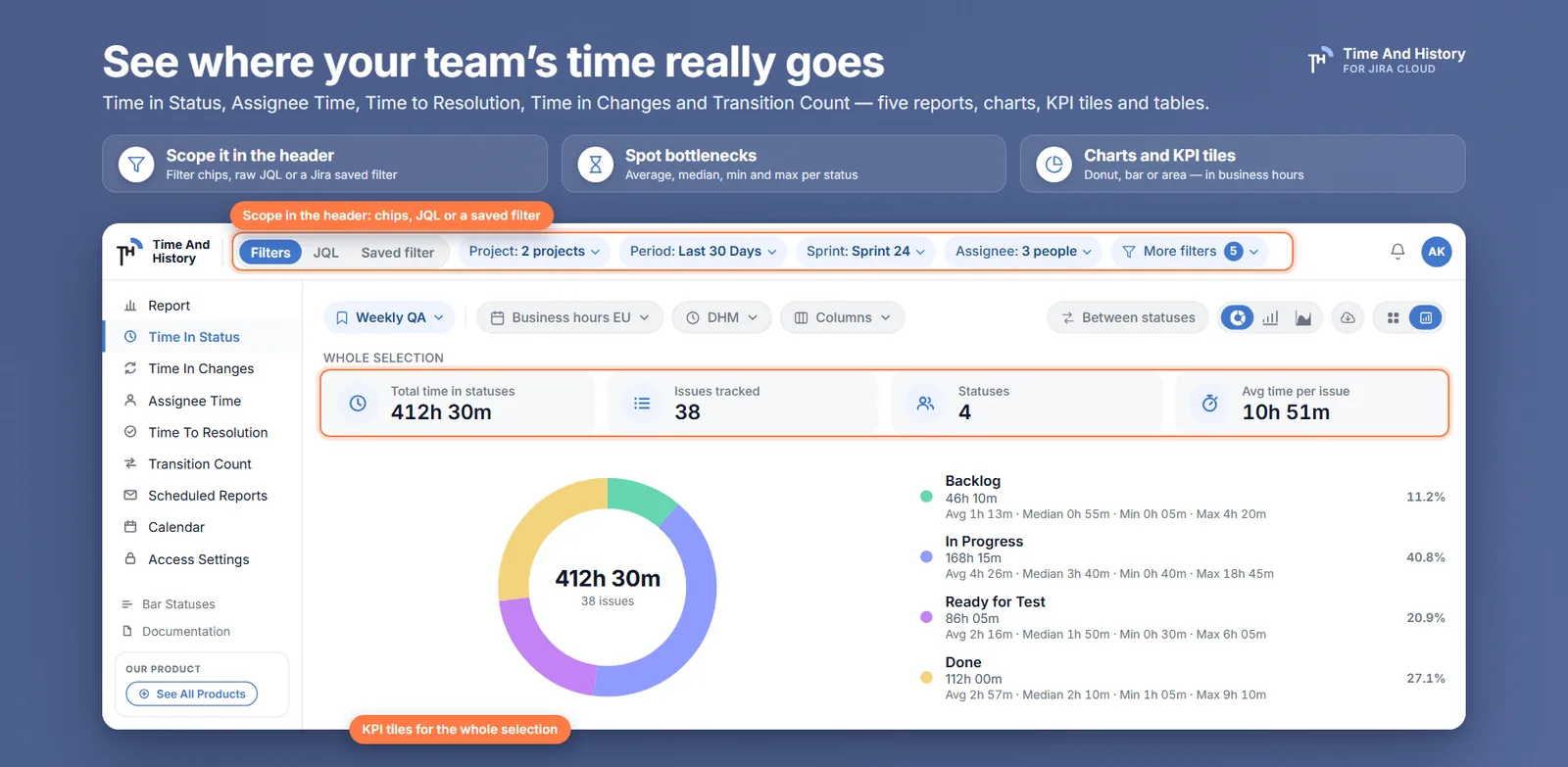
Time in Status reads the issue history and shows how long every issue sat in each status, as a donut, bar or area chart or as a table with Avg, Median, Min and Max per status. Time to Resolution adds created-to-done, keeping reopened issues apart.
Know who changed what, and when
Assignee Time splits the working hours of an issue across everyone who held it, not just the current assignee. Time in Changes walks the issue history field by field — status, assignee, priority, issue type and the other standard Jira fields.
Count business hours, not weekends
Work calendars set the working days, the hours in a day, the time zone and the holidays that repeat every year. Every report is then counted against that calendar, so a ticket raised on Friday evening does not collect the weekend.
Put the numbers on a Jira dashboard
Version 2.2.0 adds eight dashboard gadgets — a chart and a table for each report. Filter a card by project, sprint, period or assignee, switch a chart between donut, bar and area, and open the full report with the same filters still applied.
Reviews
Review 2 of 3: Philip Bennett
TH
Time And HistoryAtlassian Marketplace rating
5.0 out of 5 on the Atlassian Marketplace (3 reviews).
Philip BennettManage Board review on the Atlassian Marketplace
Great job, thank you! With this app, I save a lot of time managing my projects.
MB
Manage BoardAtlassian Marketplace downloads
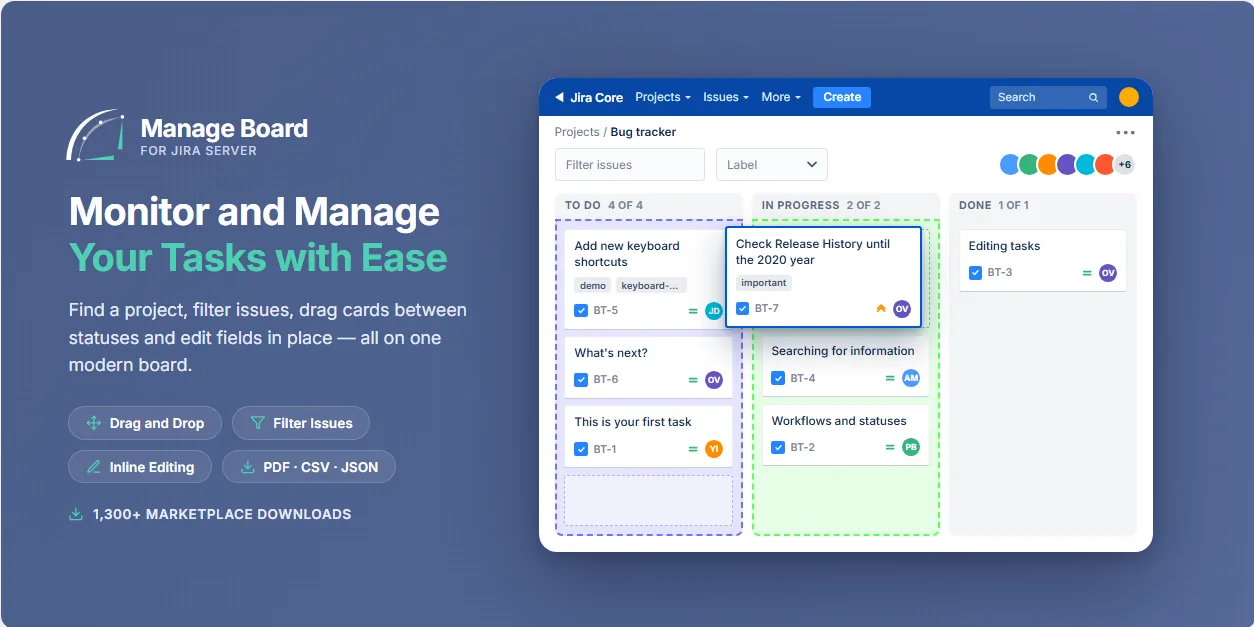
More than 1,300 downloads on the Atlassian Marketplace during the Jira Server era.
Contact us about our Jira apps or a custom project
FAQ
Yes for teams of up to 10 users — the standard Atlassian cloud tier is free, and larger teams get a free trial before the paid tiers start at 11 users. Billing is handled by Atlassian. Free for up to 10 users on the Atlassian Marketplace
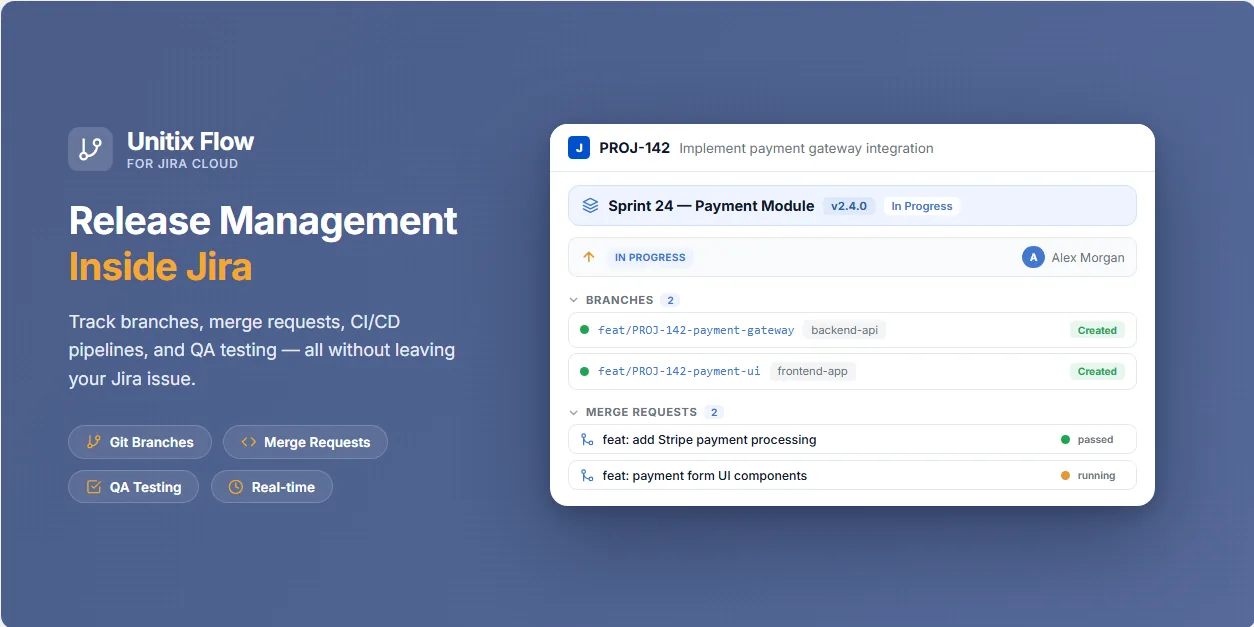
On Jira Cloud, press “Try it free” — Time And History is free for sites with up to 10 users and starts a free trial for larger ones — or “Get it now” for Unitix Flow, whose free plan covers one repository and one integration. Manage Board for Jira Server is installed by your Jira administrator from the Marketplace listing.
Subscriptions, trials, renewals and refunds are processed by Atlassian through the Atlassian Marketplace under Atlassian’s pricing and refund policies — you manage everything from your Atlassian billing console.
Our apps rely on the Atlassian permission model and never widen anyone’s access: every user sees only the projects and issues they can already open in Jira. Details are in our Privacy Policy.
Of course. Write to us and we will schedule a call, walk you through the apps and answer your questions.
Yes — we build and support high-load systems. If you need a custom app or an integration for your business, contact us and we will discuss your case.
Time And History has a complete documentation section on this site. For other apps, see their Atlassian Marketplace listings or write to support. Read the Time And History documentation
A Jira time in status dashboard gadget puts working time per status on the board: what native gadgets miss, how to add one in four steps, chart or table.
How a Jira time in status report is built from the issue changelog: per-status durations, waiting columns, business-hour calendars and XLSX/CSV export.
Exclude weekends and holidays from Jira time in status with a work calendar — business days, hours, time zone, holidays — and see which statuses shrink.